LILYGO
T-Display-S3
ESP32-S3 · External CC1101
Sub-GHz, infrared, BLE and Wi-Fi.
Touchscreen navigation.
Firmware: V2
A portable toolkit for electronics
and wireless security testing.
Use your LILYGO device to work with radio signals, infrared remotes, NFC tags and wireless networks, or run USB keyboard scripts. Available tools depend on your board.
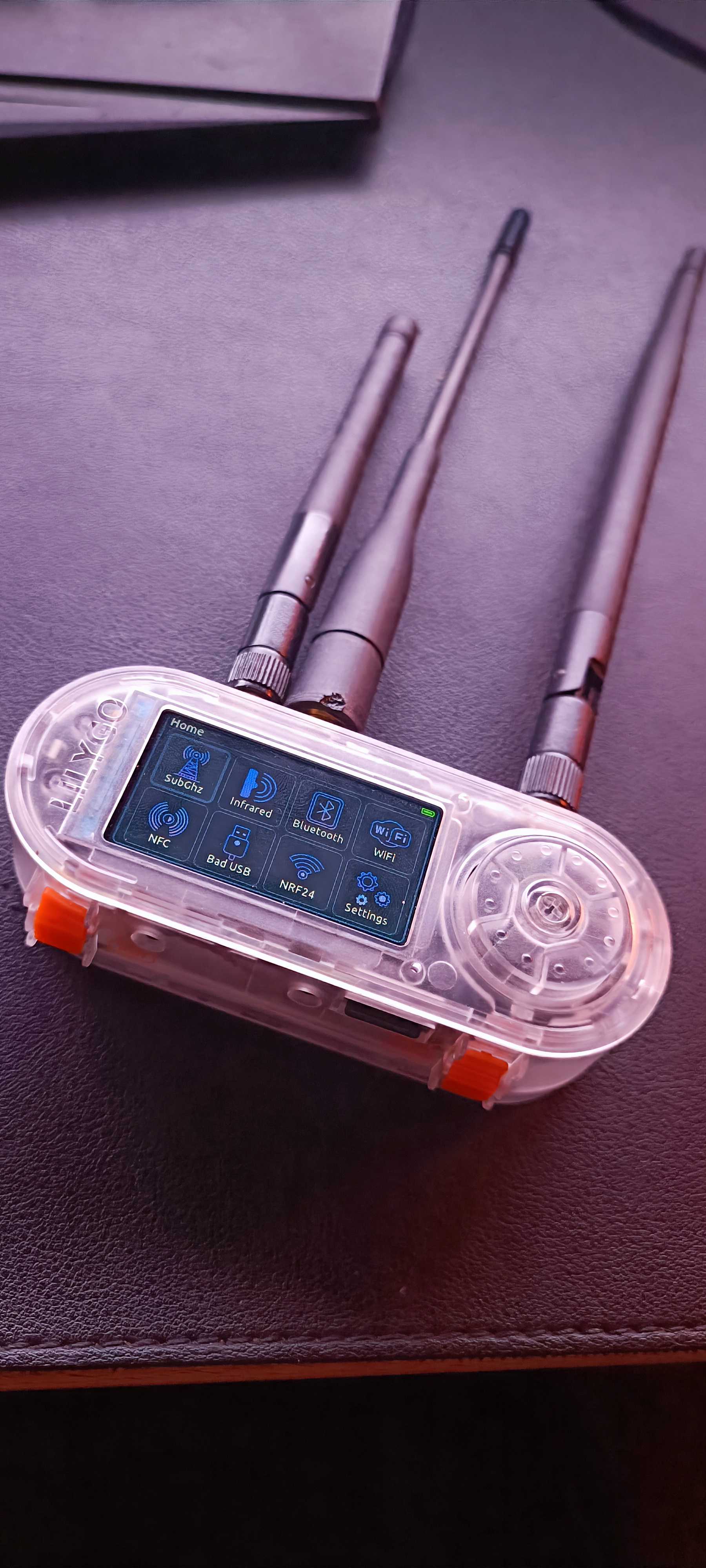
The same firmware project, with tools suited to each board.
Select your device in the official store.
ESP32-S3 · External CC1101
Sub-GHz, infrared, BLE and Wi-Fi.
Touchscreen navigation.
Firmware: V2
ESP32-S3 · Integrated CC1101
Sub-GHz, infrared, NFC, BLE, Wi-Fi and Bad USB.
The Plus model also includes the nRF24 radio and its 2.4 GHz applications.
Rotary encoder navigation.
Firmware: V3
| Function | T-Display-S3 | T-Embed CC1101 | T-Embed CC1101 Plus |
|---|---|---|---|
| Sub-GHz | ✓ | ✓ | ✓ |
| Infrared | ✓ | ✓ | ✓ |
| Bluetooth / BLE | ✓ | ✓ | ✓ |
| Wi-Fi | ✓ | ✓ | ✓ |
| NFC | ✕ | ✓ | ✓ |
| Bad USB | ✕ | ✓ | ✓ |
| nRF24 | ✕ | ✕ | ✓ |
T-Display-S3 requires soldering an external CC1101 and infrared module.
Each section has its own applications.
Supported devices are listed on every card.
Receive, decode and transmit radio signals with the CC1101. Capture unknown protocols as RAW pulse data or work with supported decoded signals.
T-Display-S3 requires an external CC1101. POCSAG reception and transmission are also available on T-Embed CC1101 / Plus.
Receive infrared commands from your remotes, decode supported protocols and retransmit saved signals.
Read NFC tags directly from the device using the NFC Read application.
Scan nearby BLE devices and inspect the advertisements they broadcast. Test advertisement behavior with the included BLE Spam application.
Discover wireless access points and client stations, inspect network information and run the included Wi-Fi testing applications.
Emulate a USB keyboard and execute compatible DuckyScript commands on a connected computer.
Use the additional 2.4 GHz radio on the Plus model for spectrum analysis and experimental RF testing.
Requires the nRF24 radio included with the Plus model.
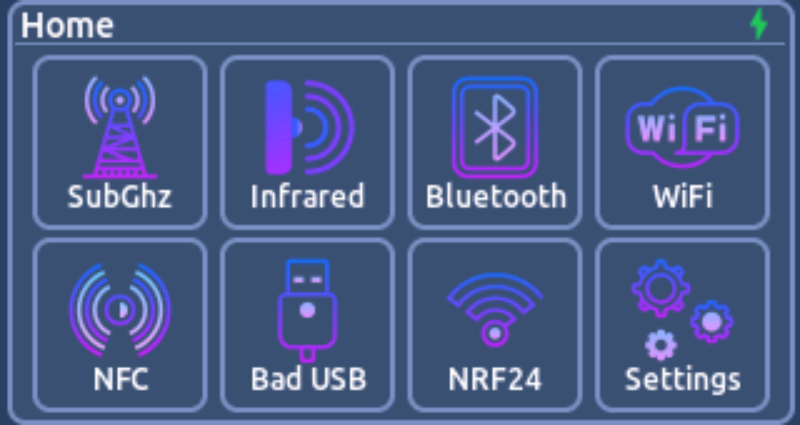
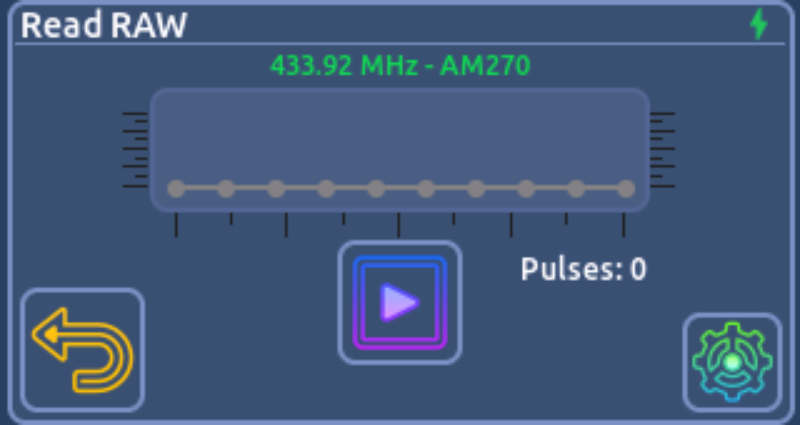
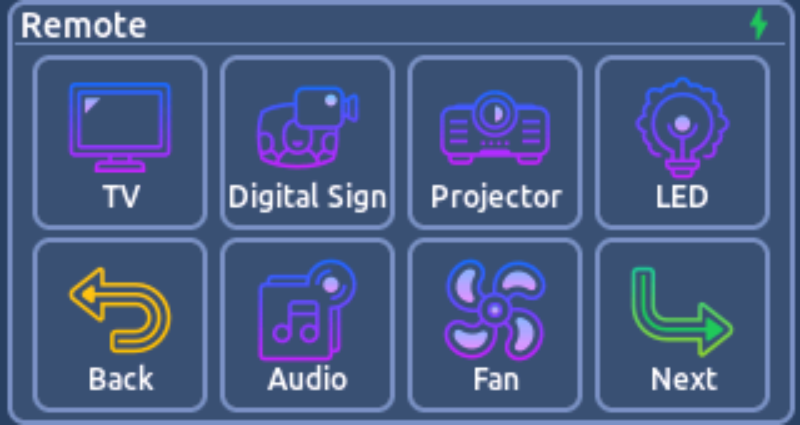
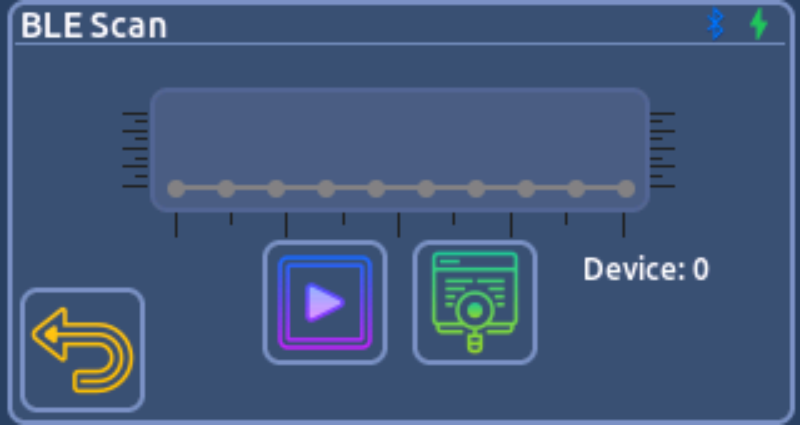
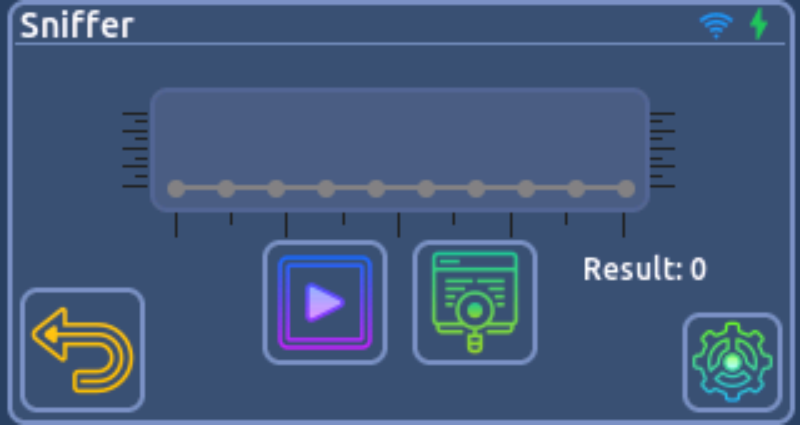
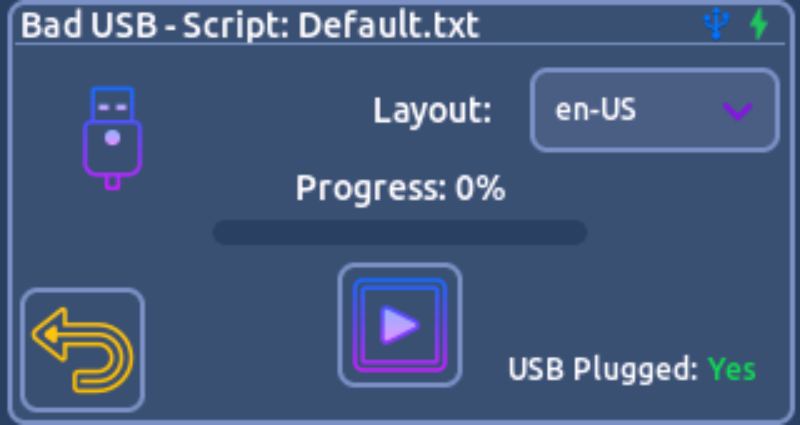
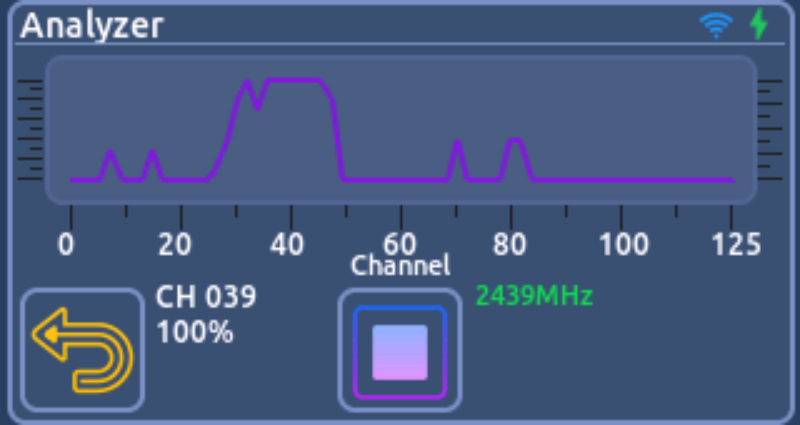
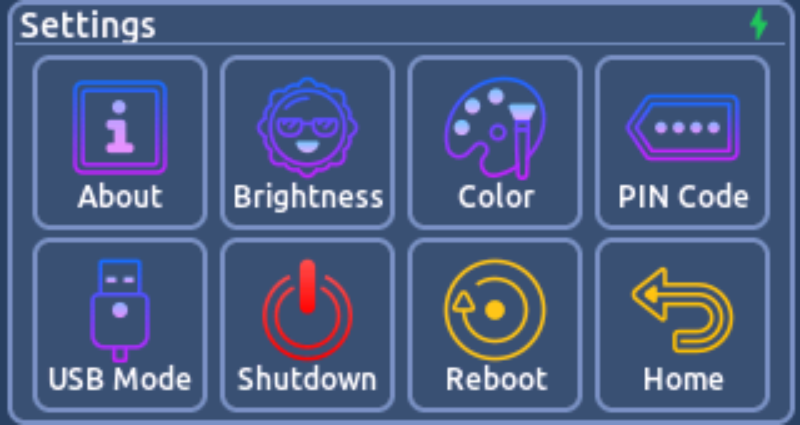
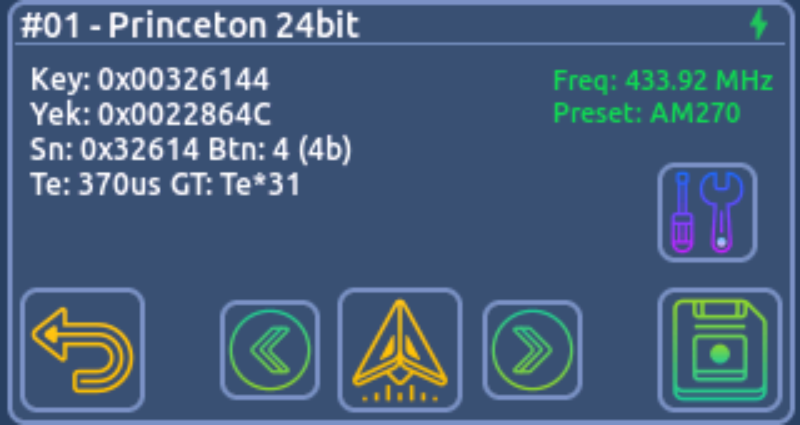
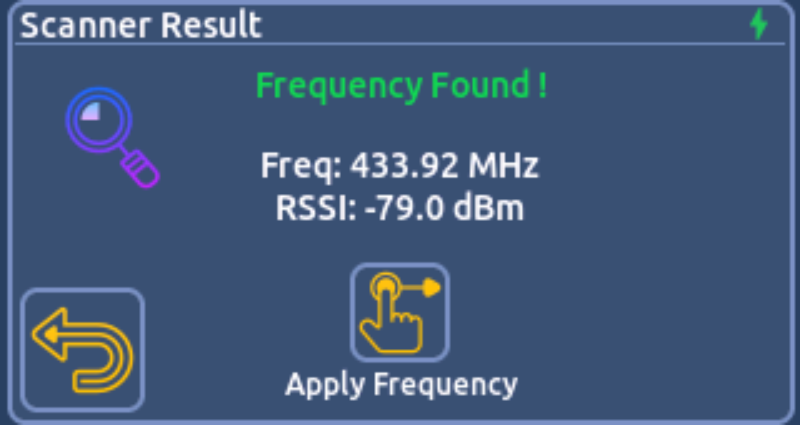
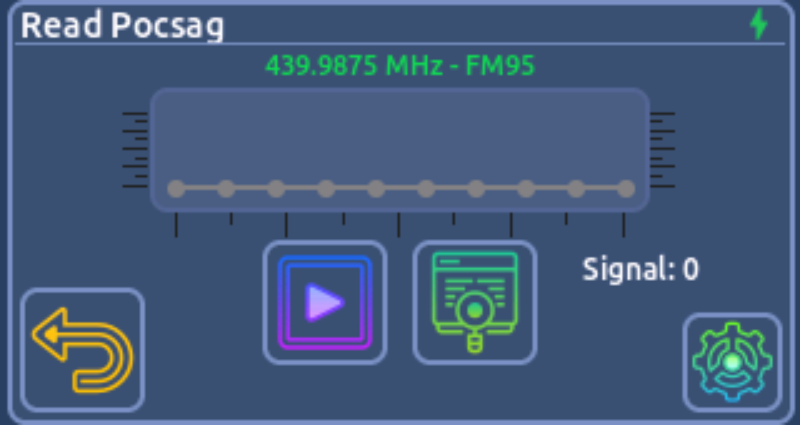
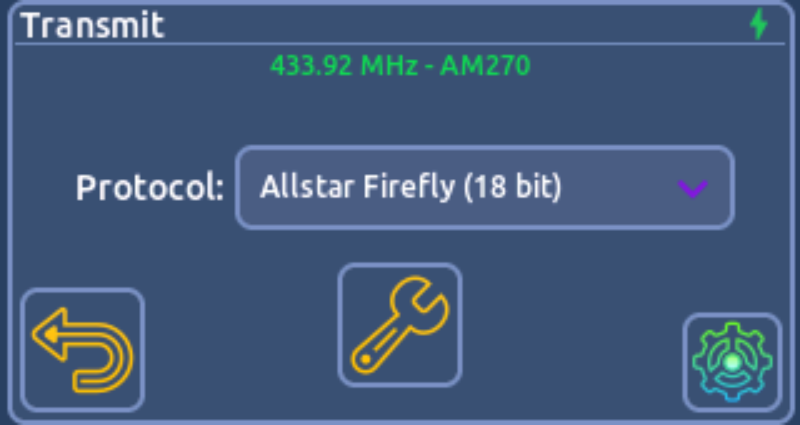
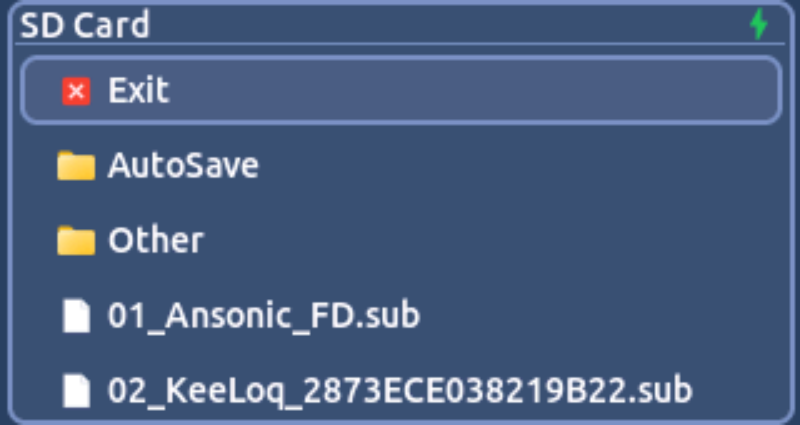
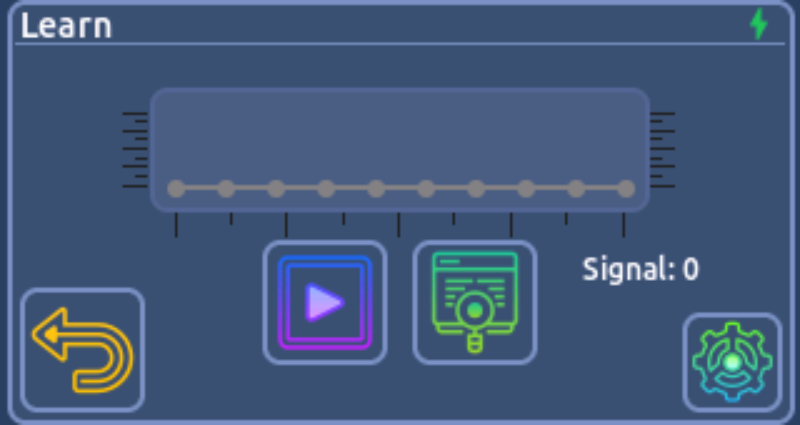
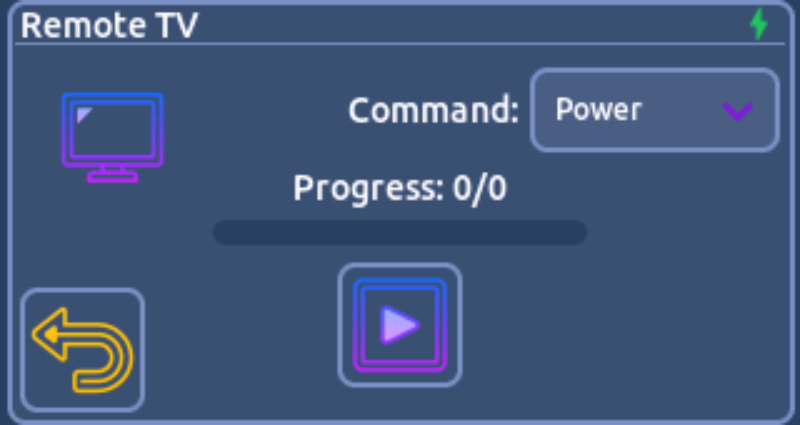
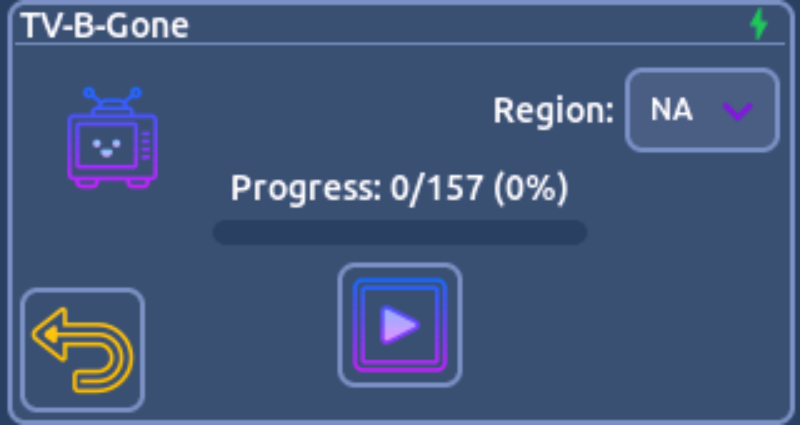
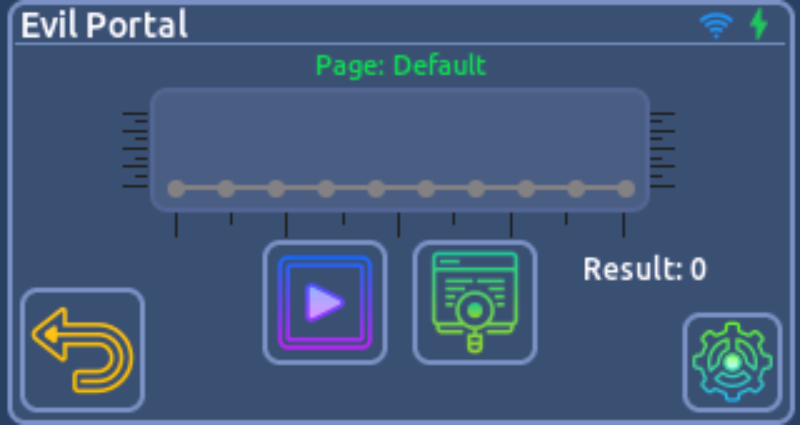
Access dedicated applications from the device menu, with tools for signal analysis, device control and security testing.
Sub-GHz & infrared
Capture and decode signals, transmit supported commands and use saved remote-control files.
Wi-Fi & Bluetooth / BLE
Discover networks and devices, inspect wireless activity and run the included testing applications.
NFC, Bad USB & nRF24
Read NFC tags and run USB keyboard scripts on T-Embed. Use the additional 2.4 GHz tools on the Plus model.
Screenshots show applications on T-Embed CC1101 / Plus. Available applications depend on your hardware; refer to the compatibility table above.
Find supported protocols, application details
and instructions for your device.
Sub-GHz, infrared, Bluetooth / BLE and Wi-Fi applications.
T-Display documentation ↗Sub-GHz, infrared, NFC, Bluetooth / BLE, Wi-Fi, Bad USB and Plus-specific nRF24 applications.
T-Embed documentation ↗Select the product for your board in the official store. T-Display-S3 currently uses V2. T-Embed CC1101 and T-Embed CC1101 Plus use V3.
NFC and Bad USB are available on T-Embed CC1101 and T-Embed CC1101 Plus. They are not available on T-Display-S3.
The T-Embed CC1101 Plus adds an nRF24 radio for the 2.4 GHz analyzer and the dedicated nRF24 testing applications. The other listed function categories are shared with the standard T-Embed CC1101.
Willy Firmware supports compatible .sub Sub-GHz and .ir infrared files. The file and protocol must be supported by your device firmware.
Willy Firmware is paid firmware, available through the official store. Choose your device there for purchase and activation information.
Choose the firmware for your T-Display-S3 or T-Embed CC1101 / Plus.